What’s New

  1. Friday

    New

    • A link to Hylink shared in Discord and other apps shows a large picture of the player, cosmetic or server it leads to.

    Improved

  2. Wednesday

    New

    • What’s New lists the changes to Hylink, newest first, and the home page tells you when something new arrives.

    Improved

  3. Tuesday

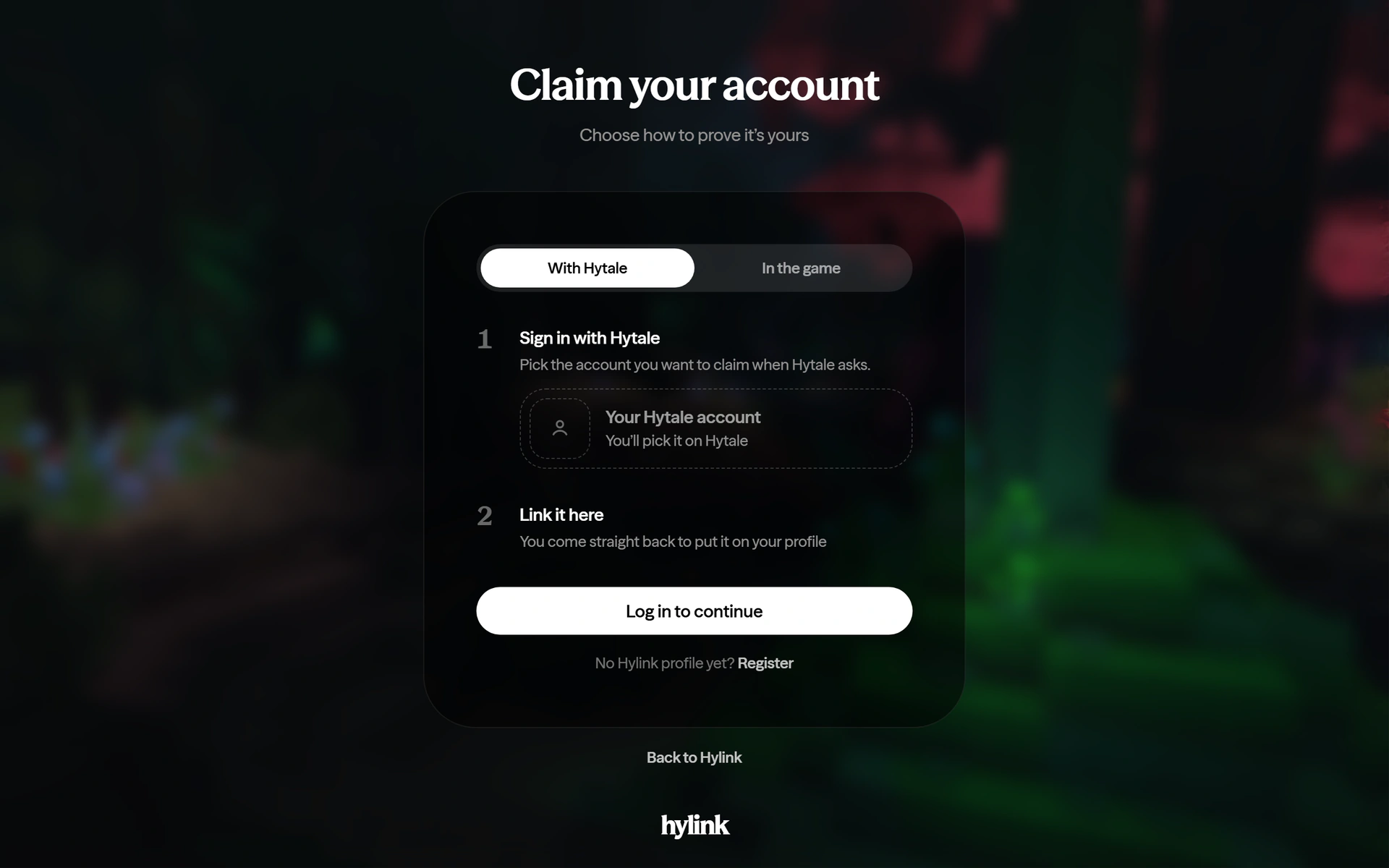
    The claim page, With Hytale chosen: sign in with Hytale, then link it here

    Claim with your Hytale sign-in

    You can now claim an account with your Hytale sign-in. Joining the server and typing /hylink still works.

    Claim an account
    Improved

  4. Monday

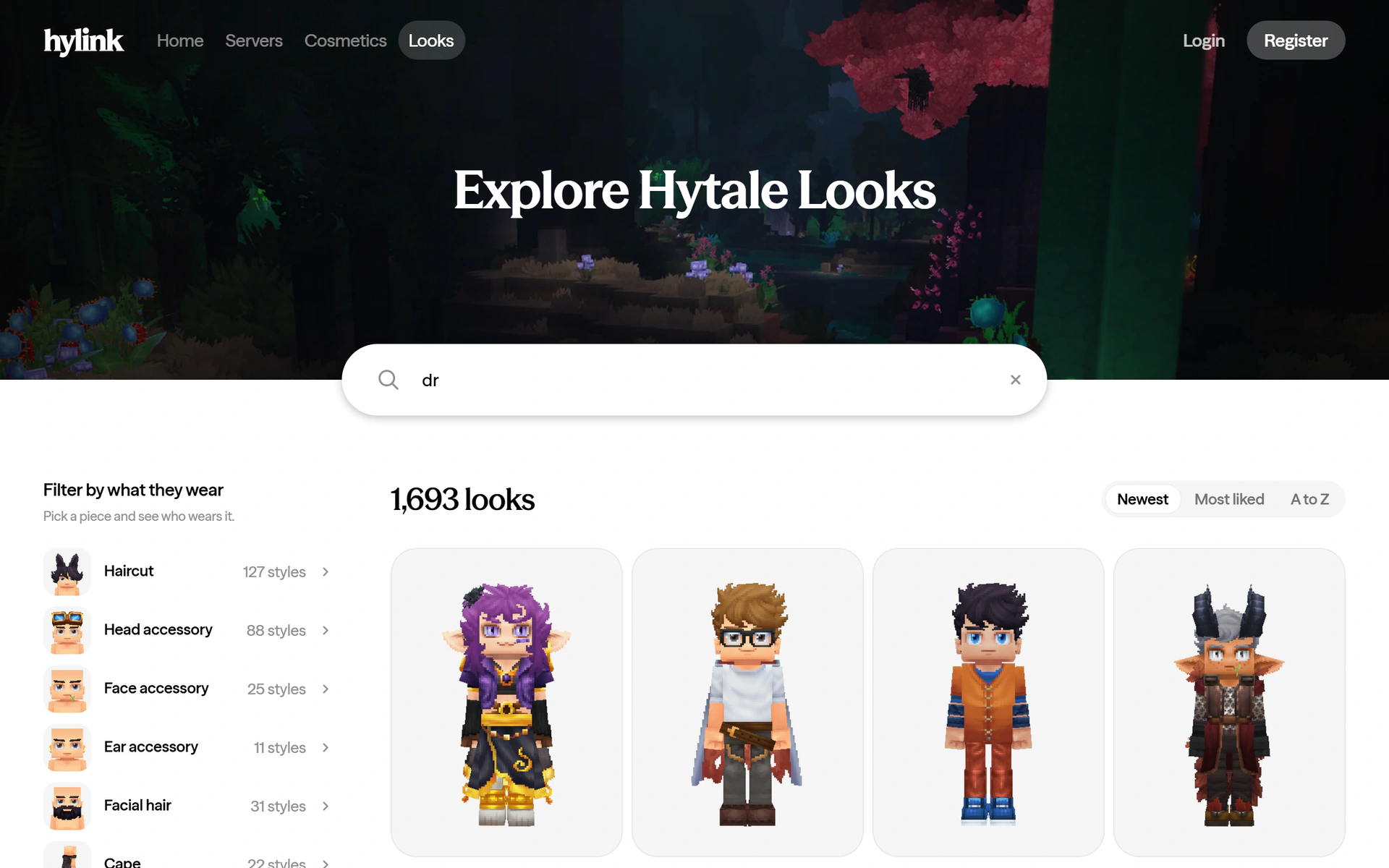
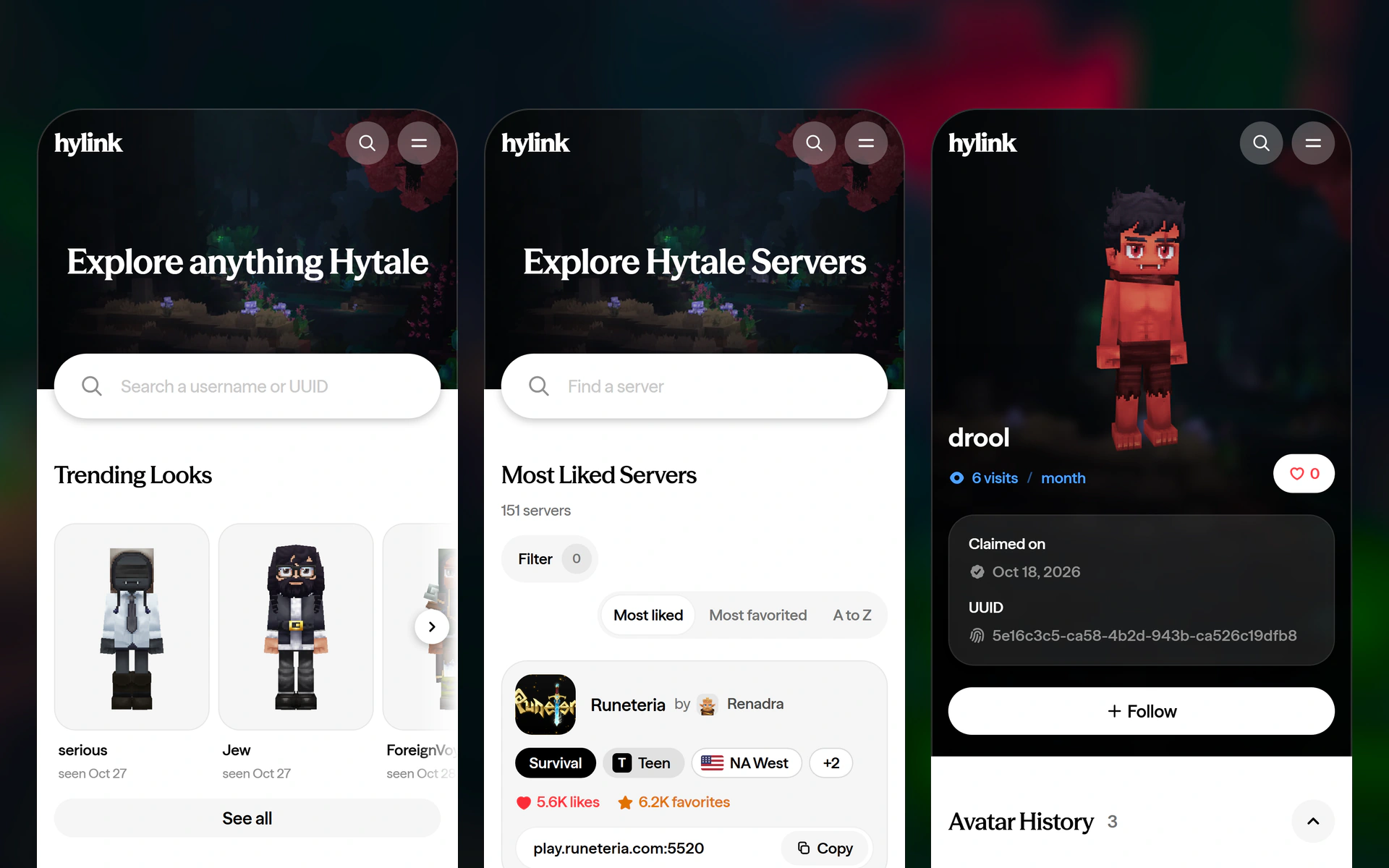
    Looks narrowed to players whose names start with dr

    Find a player on Looks

    Type a name in the Looks band to see the looks of every player whose name starts with it.

    Open Looks
    New

    Improved

    • The filters beside the servers and the looks stay in view as you scroll the list, and choosing one takes you to the top of it.
    • A piece of a look opens its cosmetic on the variant the look wears.

    Fixed

    • A look says when its look-alikes could not be found in time, instead of saying it has none.
  5. Sunday

    Improved

    Fixed

  6. Saturday

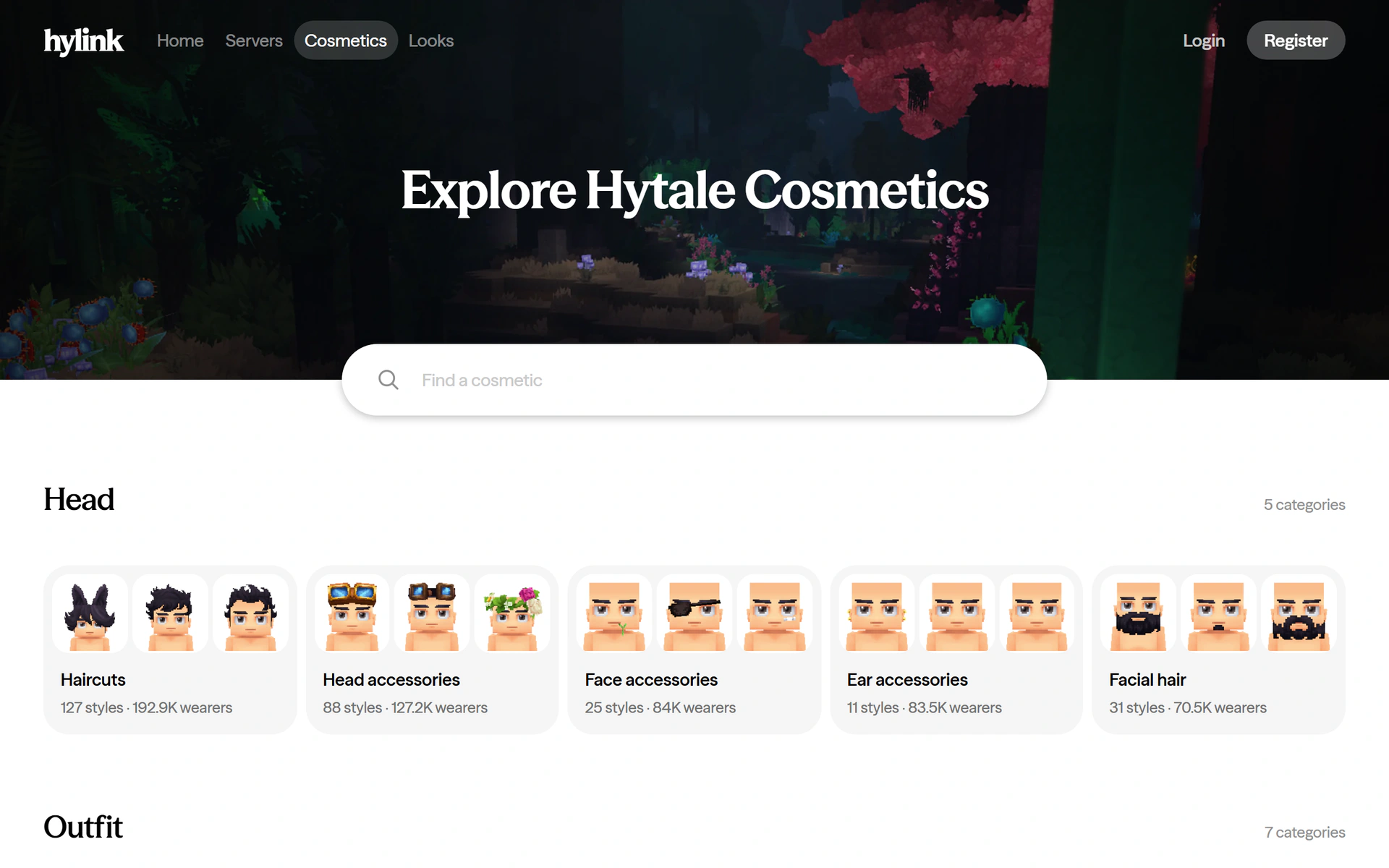
    The Cosmetics page with its head categories

    Cosmetics and Looks

    Browse every cosmetic Hytale players wear, see who wears each one, and find looks by the pieces they are made of.

    Explore cosmetics
    New

    • An account page has View look, for the player’s current look and for each look in its history.
    • Pages end with a footer: the way around Hylink, and what Hylink is.

    Improved

    • Next and Previous keep you at the list instead of jumping back to the top of the page.
  7. Friday

  8. Wednesday

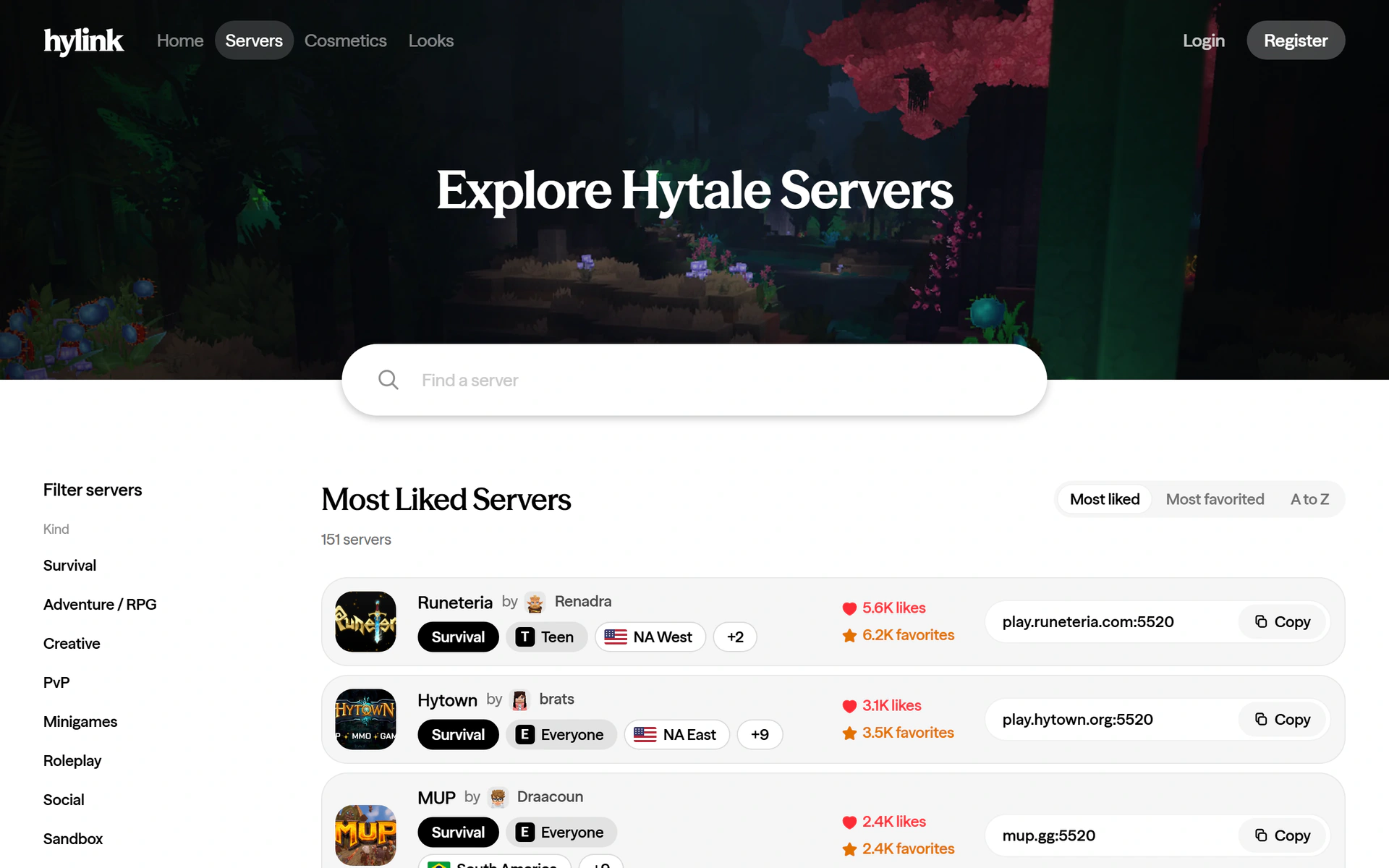
    The servers directory with its filters, most liked first

    Servers

    The servers listed in Hytale, narrowed by kind, region and audience, each with a page and its address ready to copy.

    Browse servers
    Improved

    • On a phone, Name History opens by itself when it is short.
    • An account that is not found keeps your search going as you type.

    Fixed

    • Search results for unclaimed accounts no longer leave a gap where the Claimed badge would be.
  9. Tuesday

    Improved

    • Trending accounts show each player’s current look.
    • An account page you have open shows a new skin as soon as Hylink sees it.
  10. Monday

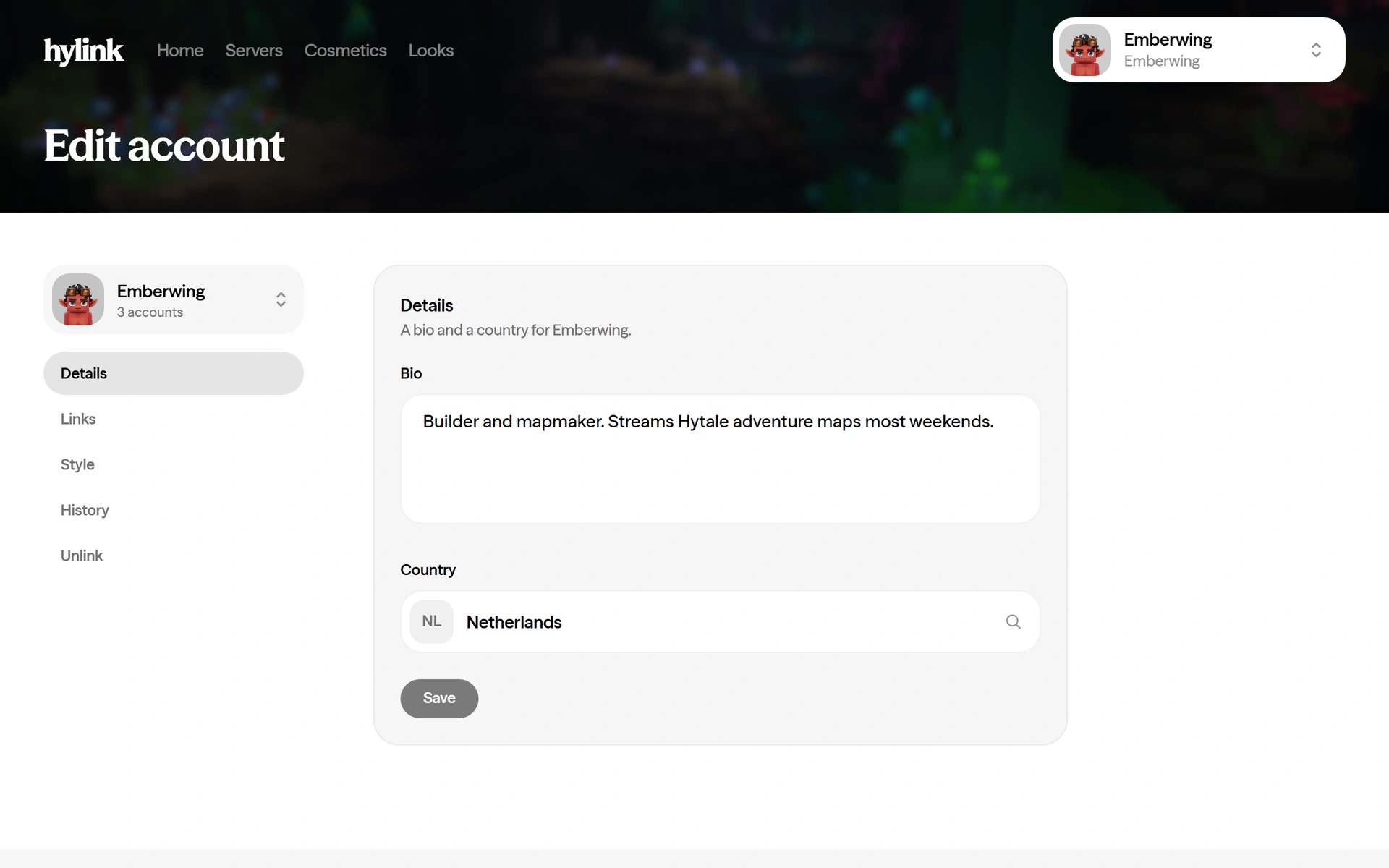
    Edit account, with a bio and a country

    Edit your account

    Write a bio, set your country, add your links and choose what your history shows, for each account you have claimed.

    Edit your account
    New

    • A name style worn on an account colors its name on the account page.

    Improved

    • The glow at the end of a claim takes the color of the face.

    Fixed

    • The hylink wordmark takes you home from every page.
    • Your own account page no longer offers to like yourself.
  11. Sunday

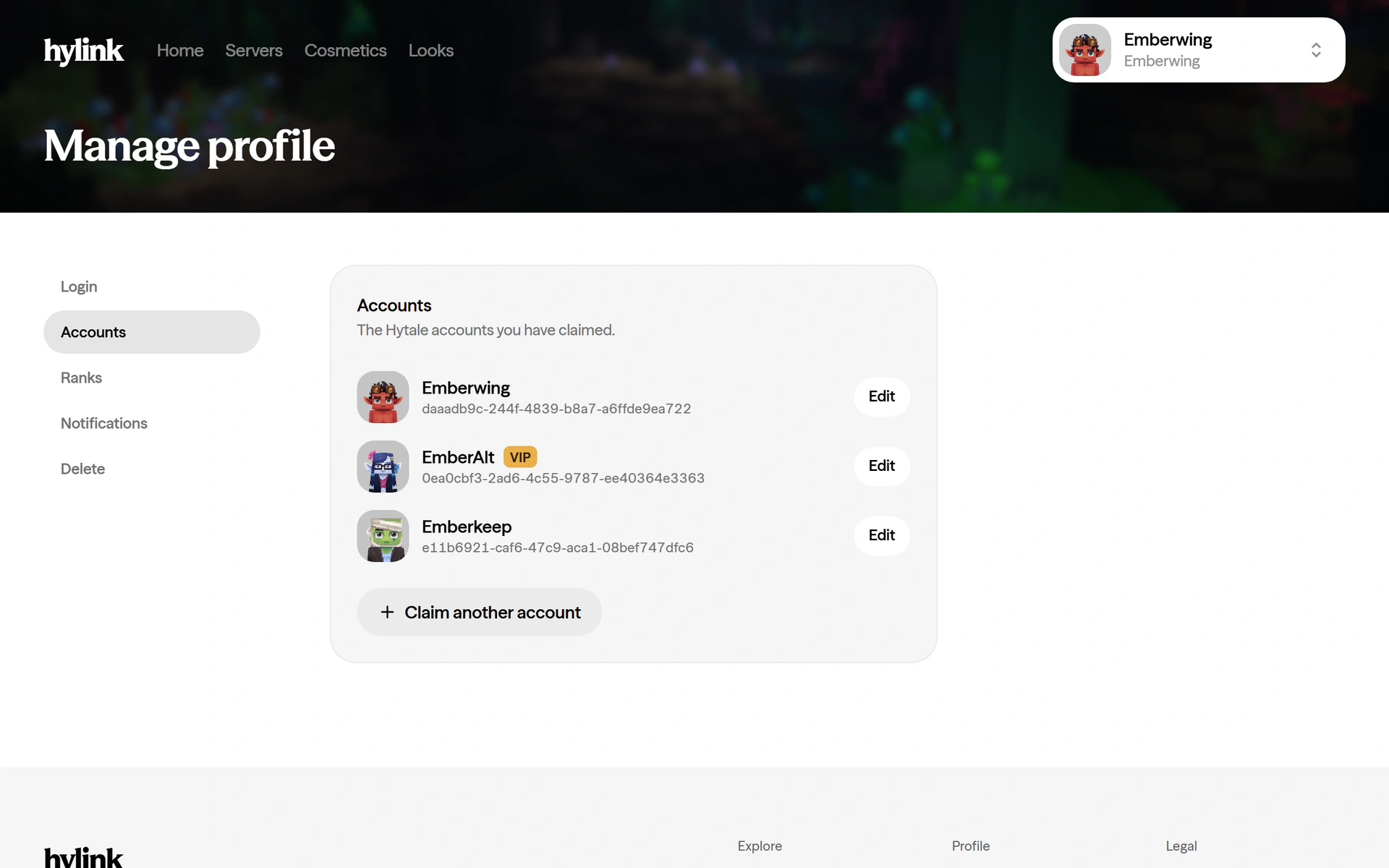
    Manage profile, with the accounts you have claimed

    Manage your profile

    Change your password and see every account you have claimed, from the account menu.

    Manage profile

    New

    Fixed

    • Trending accounts open the right account.